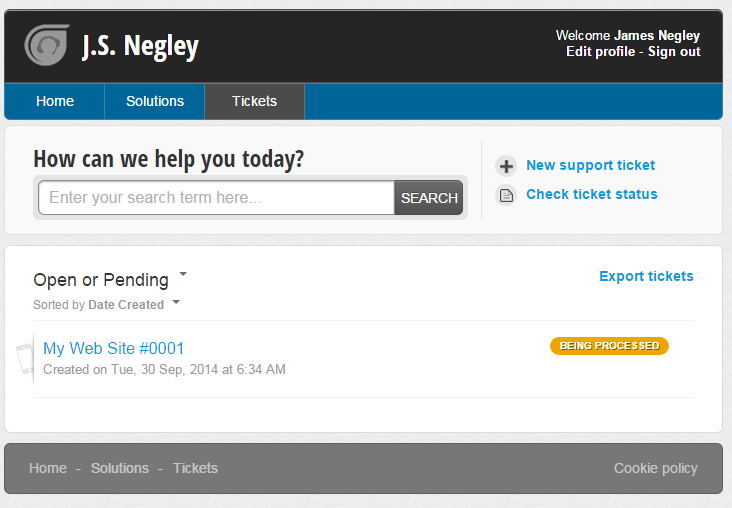
Instructions for accessing all open and past service requests for JSN.
1.) Point your browser to http://jsnegley.freshdesk.com
2.) Click on Login in the upper right of the page
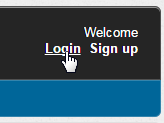
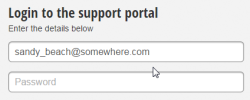
3.) If you know your password, login to the site:
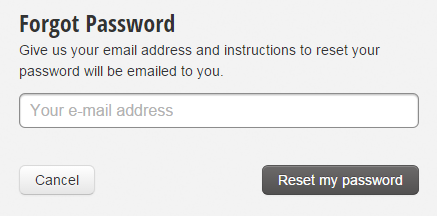
HOWEVER, if you do not know your password, or a first time user of the web-based ticket system, click the "forgot your password?" link
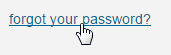
4.) Follow the process for resetting the password and then login.
5.) You now can review and access your portal.