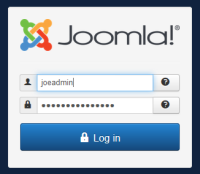
1.) Log into the Joomla Control Panel
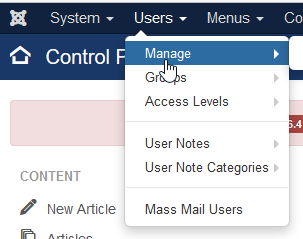
2.) Select "User > Manage" from the menu
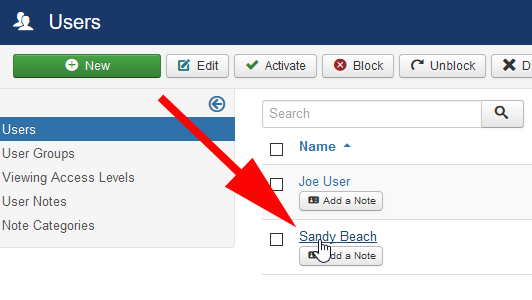
3.) Select the User you wish to change their password or any other information
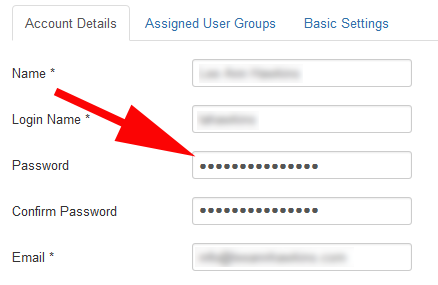
4.) Enter a new password for the User Account
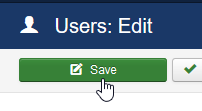
5.) Click Save
6.) Done.

Modified on: Fri, 11 Nov, 2016 at 1:05 PM
1.) Log into the Joomla Control Panel
2.) Select "User > Manage" from the menu
3.) Select the User you wish to change their password or any other information
4.) Enter a new password for the User Account
5.) Click Save
6.) Done.
Did you find it helpful? Yes No
Send feedback