
In this example, we will format some text to be a "Heading 2" within the body of the article.
1.) Highlight the phrase with cursor.
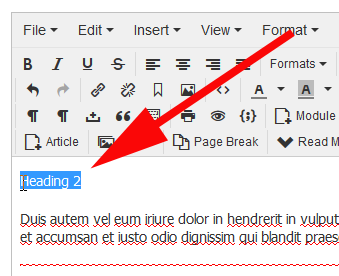
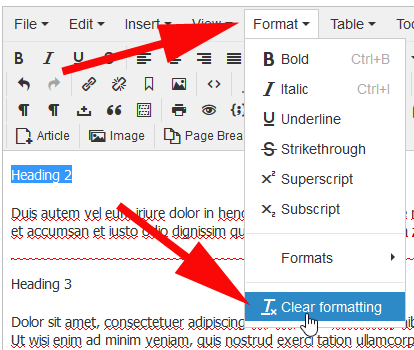
2.) Clear the existing formatting to the phrase by selecting Format > Clear Formatting.
This is a newer feature for the text editor for Joomla 3.6+ to rid of existing
formatting or external styling that carries over from outside programs
like MS-Office.
3.) With the phrase still highlighted, do one of the three possible options.
Option One:
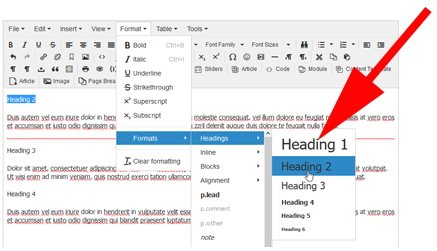
Select Format > Headings > Heading 2
Option Two:
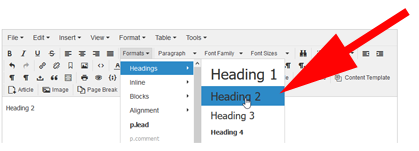
Select Formats > Headings > Heading 2
Option Three:
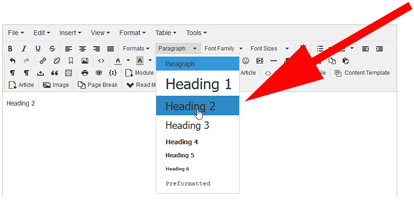
Select Paragraph > Heading 2
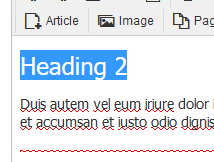
4.) The text is now formatted to a H2 heading.
4.) Save.

5.) Refresh the public side of the web site to verify the formatting.